Facelessvideo

YouTube creation

Use a faceless video generator for YouTube ideas

A faceless video generator for YouTube can help you turn a topic into a visual plan without filming yourself. Start with a clear script, then check every scene, sound, and claim before you publish.

Review rights and accuracy before publishing
Facelessvideo landing visual

Choose a format that fits your channel

A faceless video generator is most useful when you already know what the viewer should understand or do by the end. Pick a format before choosing visuals.

How-to creator

Explain a repeatable task with one instruction per scene, on-screen labels, and narration that matches what viewers see.

A sequence viewers can pause and follow rather than a montage that skips essential actions.

faceless video generator tutorial for youtube
Education channel

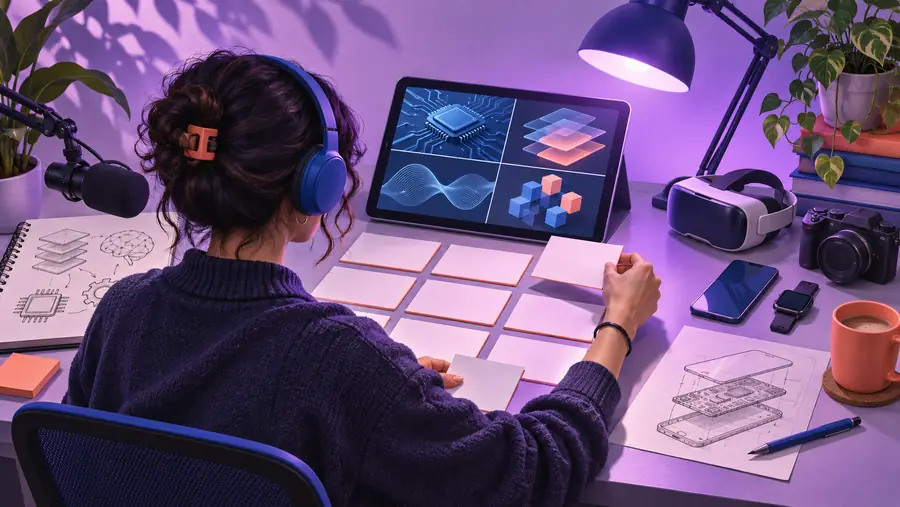
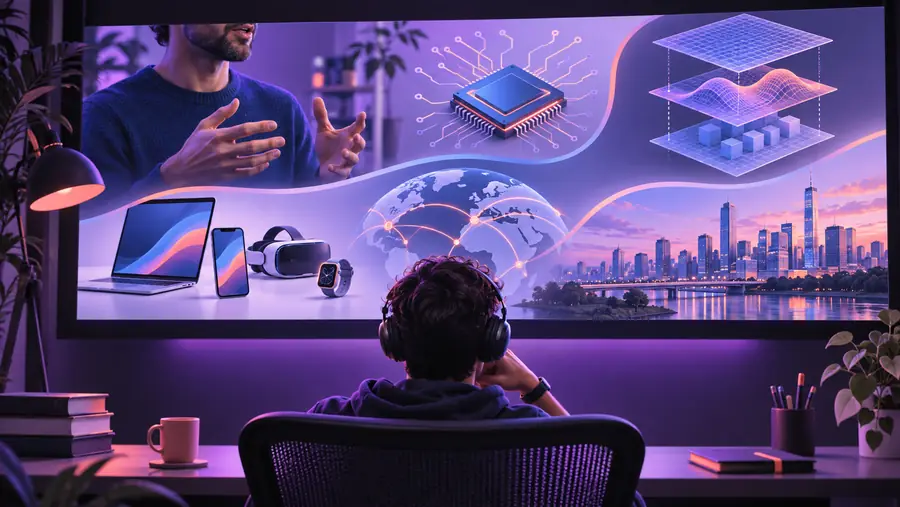
Break a difficult idea into a question, three supporting points, and a recap; flag statements that need a reliable source.

A draft structure that makes factual review possible before recording the final voiceover.

how to make faceless youtube videos with ai

Short-form creator

Adapt one useful point from a longer video into a brief hook, demonstration, and takeaway.

A focused short concept without assuming the long-form edit will work unchanged in a vertical frame.

faceless shorts generator free

Creator testing topics

Draft several opening angles before committing time to footage, narration, or detailed editing.

Comparable outlines that make it easier to choose the clearest idea, not a promise of views.

best faceless video generator examples

3 concrete workflows

These are production approaches, not guaranteed controls in a particular tool. Each starts with the viewer's question and leaves room for a human review.

Build a narrated explainer

Write a one-sentence answer to the title question. Divide it into short claims, pair each claim with a relevant diagram or licensed clip, and read the narration aloud to catch awkward timing.

Turn a process into a screen-led guide

List the actions in the order a viewer must perform them. Capture your own screen where possible, keep labels legible, and remove any account details or private information before sharing.

Adapt a long topic into a short

Choose one takeaway rather than compressing the whole script. Rework the opening and framing for a vertical viewing experience, then check that captions do not cover important visuals.

Match the workflow to the material

Use this planning table to decide what you can supply yourself and what still needs verification. Neither column implies an automatic feature or export option.

Narrated explainer Screen-led guide
1

Best starting material

Narrated explainer

A researched question and a concise answer

Screen-led guide

A task you can demonstrate accurately

2

Primary visual

Narrated explainer

Relevant illustrations, diagrams, or licensed footage

Screen-led guide

Your own screen captures and readable callouts

3

Script structure

Narrated explainer

Question, supporting points, recap

Screen-led guide

Goal, ordered actions, expected result

4

Narration check

Narrated explainer

Verify each factual statement against its source

Screen-led guide

Confirm spoken directions match the current interface

5

Likely weak spot

Narrated explainer

Generic footage that does not illustrate the claim

Screen-led guide

Small text or private data visible on screen

6

Final review

Narrated explainer

Check attribution, audio, and misleading implications

Screen-led guide

Test every step and inspect the recording frame

Example output

For a composting explainer, an outline could open with what composting does, show suitable materials, illustrate the mixing process, and finish with common mistakes. That is a draft plan, not a finished upload.

Topic and rough notes

Creator working at a desk during the planning stage
Illustrative visual for a faceless YouTube video concept
Scene-by-scene concept

Illustrative images show planning versus presentation; they are not a verified before-and-after result from the linked product.

Compliance notes

A faceless video generator cannot establish that a video is accurate, licensed, or eligible for monetization. The creator remains responsible for the material in the upload.

It cannot grant media rights

A generated draft does not prove you have permission to use an image, clip, song, voice, or recognizable likeness.

WorkaroundUse material you created or have permission to use, and keep records of relevant licenses.

It cannot verify every claim

Confident narration can still contain incorrect dates, unsafe instructions, or misleading examples.

WorkaroundCheck factual claims against reliable sources and correct the script before recording or publishing.

It cannot guarantee YouTube outcomes

Using AI or avoiding an on-camera presenter does not guarantee approval, monetization, reach, or compliance with changing platform policies.

WorkaroundRead current YouTube policies and assess the finished video, including any applicable disclosure requirements.

It cannot replace an audience review

A scene may look polished while its captions are unreadable, its pacing is rushed, or its imagery contradicts the narration.

WorkaroundWatch the complete edit on a phone and a larger screen before uploading.

Plan your next upload

Start with one clear viewer question

Bring a specific topic and the audience you want to help. Use the resulting plan as a working draft, then refine the script, select authorized visuals, and review the finished video before it goes to YouTube.

  • Define the takeaway before choosing footage
  • Match every scene to the narration
  • Check rights, facts, and readability

Scenario FAQ

It helps organize video ideas that do not depend on an on-camera presenter, such as narrated explainers, screen demonstrations, or visual stories. Treat generated material as a draft and inspect the final edit yourself.

Yes. You can communicate through your own screen recordings, diagrams, licensed footage, captions, and narration without appearing on camera. The video still needs a useful idea and material you are allowed to publish.

There is no automatic monetization approval based on whether a creator appears on screen or uses AI. Eligibility depends on YouTube's current policies, your channel, and the finished video's originality and compliance; check the applicable rules before publishing.

Disclosure requirements can depend on what was generated and whether realistic content could mislead viewers. Review YouTube's current disclosure guidance for your specific video rather than assuming every use of AI is treated the same way.

Confirm that the script is accurate, you have appropriate rights to the visuals and audio, and captions remain readable. Watch the complete export for timing, misleading imagery, private information, and any applicable platform disclosure.

Create a video Create