Write the opening promise
For a desk-reset example, open with the cluttered workspace and a caption such as “Make this desk easier to use.” Name the change viewers will see, rather than beginning with a generic introduction.
Channel examples
Start with a topic, then plan the visuals, narration, and captions that will carry it without a talking head. These examples are creative briefs, not promises of a finished or platform-ready result.
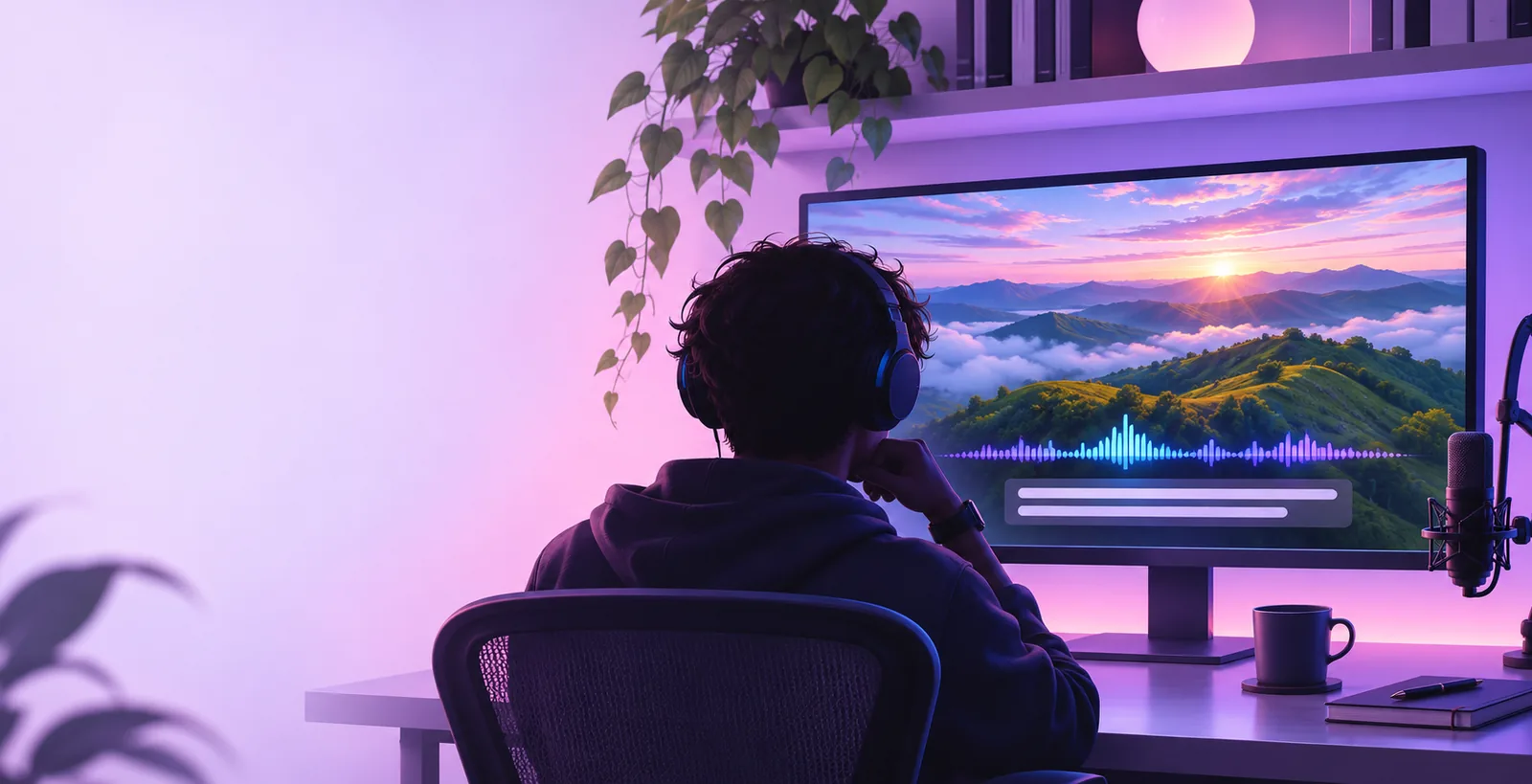
A TikTok idea usually passes through a hook, a shot list, an edit, and a final viewing check. Keep the topic and intended audience clear before choosing imagery.
Compare how a longer-form channel brief changes the pacing and explanation needed for a faceless video.
Adapt a visual-first idea for a Reels audience without assuming the same edit works everywhere.
Review a Shorts-focused workflow while checking access and export terms separately.
Use a generation brief to organize an idea before you commit to recording or editing. The creative decisions still belong to you.
For a desk-reset example, open with the cluttered workspace and a caption such as “Make this desk easier to use.” Name the change viewers will see, rather than beginning with a generic introduction.
Request an overhead starting shot, hands sorting the essentials, a close-up of one useful change, and a clear final view. Specify objects and actions so the sequence makes sense without a visible speaker.
Check whether the first frame explains the topic, captions remain readable over the imagery, and each shot advances the idea. Replace confusing visuals or unsupported claims before considering a post.
The useful transformation is from an open-ended topic to a shot-by-shot brief. The images illustrate that planning contrast; they do not document an actual generated result.
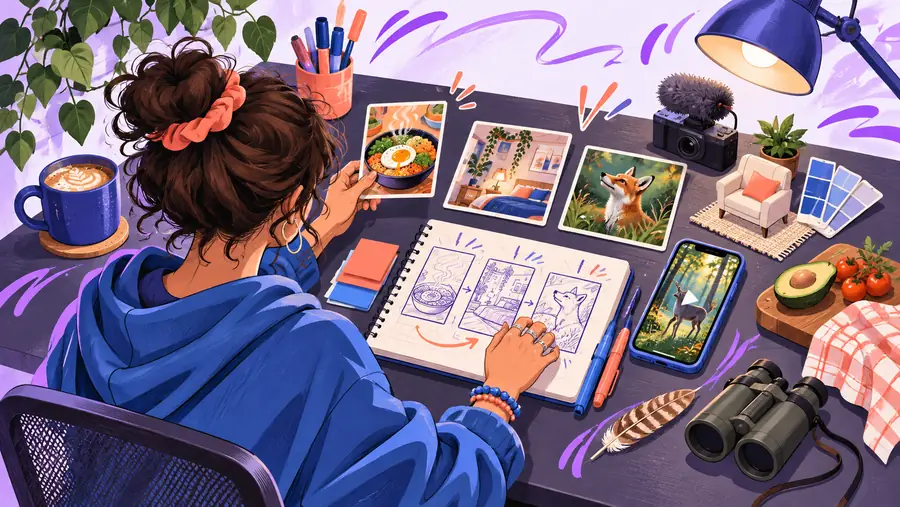
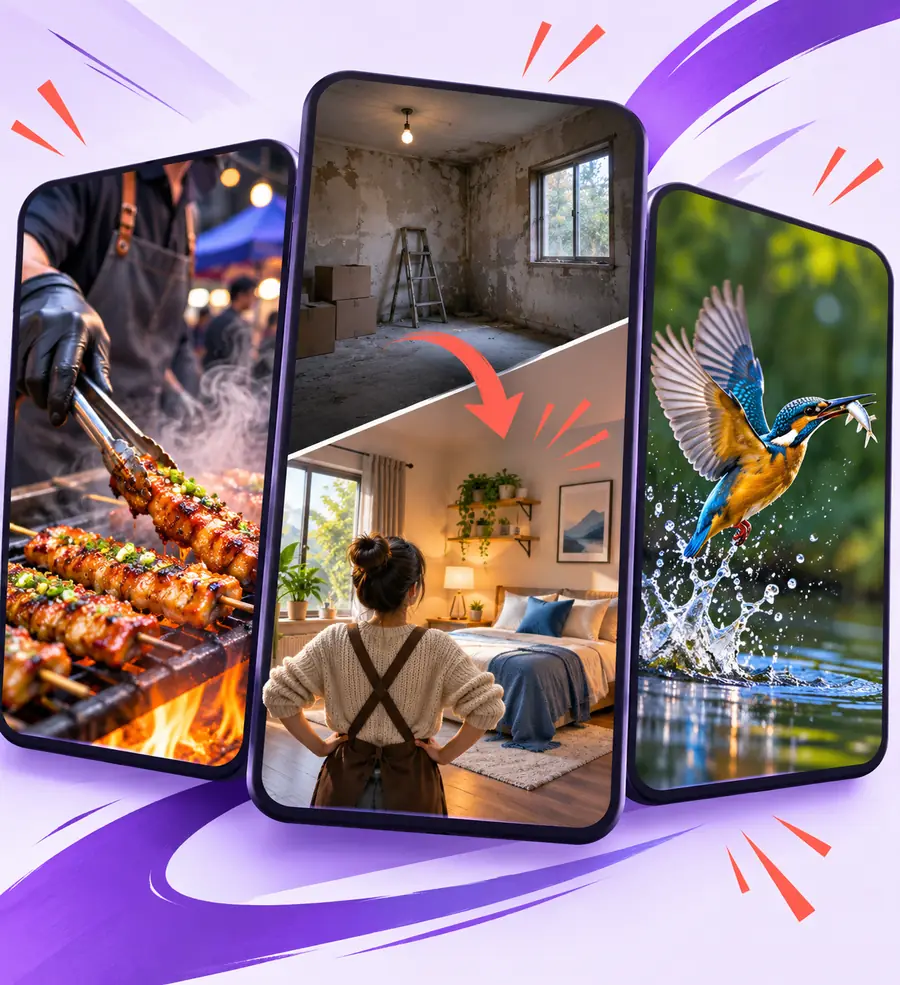
Example brief: show the messy surface, remove distractions, arrange daily tools, then reveal the result. Compare the planned shots with any footage you actually use.
A strong concept is not evidence that every scene, sound, or claim is ready to publish. Treat the following as review points, not automatic checks.
A generated explanation may sound confident while misstating a product feature, a health claim, or a historical detail.
WorkaroundVerify statements against reliable sources and remove claims you cannot support.
A visual idea does not establish permission to use a particular image, clip, voice, song, logo, or likeness.
WorkaroundCheck the rights and platform terms for each asset you select.
A planned hook cannot predict retention, reach, or whether a trend will suit your audience.
WorkaroundWatch the finished edit on a phone and revise weak openings or unreadable captions.
Use this side-by-side brief to distinguish an idea from a version an editor can evaluate. These are suggested planning criteria, not guaranteed product outputs.
Unworked idea
A cleaner workspace
Desk-reset TikTok brief
A desk reset shown through objects and hands
Unworked idea
Start with any desk shot
Desk-reset TikTok brief
Show the clutter and state the viewer-facing promise
Unworked idea
A collection of attractive clips
Desk-reset TikTok brief
Before view, sorting action, useful close-up, final reveal
Unworked idea
Add captions later
Desk-reset TikTok brief
Draft one short line for each meaningful change
Unworked idea
Optional voice with no script
Desk-reset TikTok brief
Write a brief script that adds context rather than repeating captions
Unworked idea
Post when the edit looks complete
Desk-reset TikTok brief
Review readability, asset rights, factual claims, and the ending on a phone
Take a specific topic and describe its hook, visible actions, and ending. Facelessvideo can direct you to the video-creation experience; review its available tools and terms there before relying on any particular output.
A desk reset can use overhead actions and a final reveal. Other workable briefs include a recipe shown through close-up preparation, a travel tip illustrated with location footage, or a concept explained with objects and captions. Each needs a clear reason to keep watching beyond the first shot.
Yes, if the visuals and on-screen text make the sequence understandable on their own. Read the captions at normal viewing size and check that a viewer can follow each change without hearing a voice.
Write the opening promise, list the visible actions in order, and describe the final image. Add draft captions and identify anything you need to film, source, or verify. That gives you a more useful starting point than a topic alone.
Do not assume that a generated result is ready to publish. Check the edit, captions, claims, asset rights, and current platform requirements yourself. The desk-reset example shows a planning approach, not an automatic publishing workflow.