Facelessvideo

Workflow comparison

Choosing a faceless video generator vs tiktok for short videos

A faceless video generator helps you assemble a video without appearing on camera; TikTok is where many creators edit, publish and reach viewers. They are not interchangeable, so compare the work each one removes before choosing a workflow.

where quality differs

Neither workflow guarantees a good video. The difference is where you make creative decisions and how much control you retain over the result.

Start with the message

Write a short hook, one clear point and an ending before selecting visuals. A faceless video generator can help assemble material, but it cannot verify your claims or decide what your audience finds useful. TikTok editing does not replace that planning either.

Check every visual

Look for shots that illustrate the spoken point rather than merely fill the screen. Review text placement, legibility and transitions on a phone-sized display. Whether visuals come from a generator or your own footage, mismatched images can make a polished-looking video less convincing.

Review sound and pacing

Listen to the entire video, not just its opening. Check pronunciation, pauses, music levels and whether captions match the narration. A faceless video generator may help with assembly, while TikTok offers a place to review the final post in its viewing context.

where time differs

The fastest-looking option is not always the fastest finished workflow. These are the steps that can still demand your attention.

A draft is not a fact-check

A faceless video generator cannot take responsibility for the accuracy of your script, product statements or sources. Correcting a confident but wrong claim after assembly can take longer than checking it before production.

WorkaroundVerify claims and names in the script first, then watch the finished video for errors introduced during assembly.

You still need distribution

Creating a video does not publish it or establish an audience on TikTok. Captions, post settings, community responses and performance review remain separate work, regardless of how the video was made.

WorkaroundTreat creation and publishing as separate checklist items; review the posted version after upload.

Rights need a separate check

Neither a faceless format nor an automated workflow establishes that you may use a particular clip, image, voice or piece of music in your post. Asset restrictions can vary by source and intended use.

WorkaroundKeep a record of asset sources and check applicable permissions before publishing.

Revisions can erase time savings

If a draft needs extensive changes to timing, visuals or narration, recreating it may take longer than making a focused manual edit. The balance depends on how often your format changes.

WorkaroundTest one representative video and count the time spent revising it, not just the time spent making the first draft.

Illustrating the workflow difference

Prepare the video

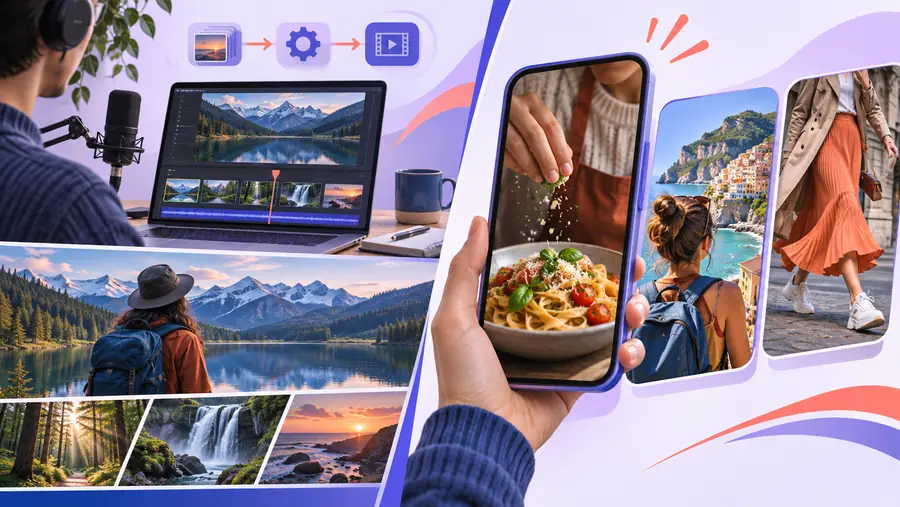
Editorial illustration representing preparation of a faceless short video
Editorial illustration representing a faceless short video intended for TikTok
Review it for TikTok

These are editorial illustrations, not screenshots, measured results or a guaranteed before-and-after output.

when switching is worth it

Compare a production-first route with editing primarily inside TikTok. This is a workflow comparison, not a claim that either option includes every feature listed.

Faceless video generator workflow TikTok-first workflow
1

Main purpose

Faceless video generator workflow

Prepare a faceless video before choosing where to publish it.

TikTok-first workflow

Create or edit content in the context of a TikTok post.

2

Direct tool expense

Faceless video generator workflow

Depends on the generator and any assets or services used; check current terms.

TikTok-first workflow

Depends on any external assets or services you use alongside the platform.

3

Script and research time

Faceless video generator workflow

Still required when claims, examples or instructions need checking.

TikTok-first workflow

Still required for the same reason.

4

Visual preparation

Faceless video generator workflow

May reduce repetitive assembly, but every selected visual needs review.

TikTok-first workflow

Often involves choosing, recording or arranging visual material yourself.

5

Voice and captions

Faceless video generator workflow

Check the chosen tool's capabilities, then review pronunciation and text.

TikTok-first workflow

Review the options available in your editing workflow and check the posted result.

6

Revision effort

Faceless video generator workflow

Can be easier for a repeatable format; a major creative change may require rebuilding.

TikTok-first workflow

Can suit hands-on adjustments made while preparing a specific post.

7

Publishing

Faceless video generator workflow

Video preparation and TikTok publishing are separate tasks.

TikTok-first workflow

The post is prepared within the publishing platform.

8

Best reason to choose it

Faceless video generator workflow

You repeatedly make similar faceless videos and spend too long assembling each draft.

TikTok-first workflow

Your videos depend on spontaneous footage, platform context or frequent manual changes.

Test the production-first route

Make one representative video before changing your workflow

Start with a topic you already know, then compare the time spent preparing, revising and publishing it. Facelessvideo can point you toward a video-creation option; check its current capabilities and terms before relying on it for your process. Keep TikTok in the plan if that is where your audience watches.

  • Check the complete video, not just the initial draft
  • Count revisions and publishing as part of the work
  • Verify claims and asset permissions yourself

comparison FAQ

No. A faceless video generator is a way to prepare video content without appearing on camera, while TikTok is a platform for creating and publishing posts. You may use a generator to prepare a video and then separately review and publish it on TikTok.

Choose based on the work your videos require. A repeatable, scripted format may benefit from a production-first workflow; footage-led posts that change as you edit may suit hands-on editing in TikTok. Make one complete test post before deciding.

Not automatically. Clear writing, relevant visuals, accurate captions and sound that works on a phone matter in either workflow. Review the completed post yourself rather than assuming that a smoothly assembled draft is ready to publish.

Do not assume it does. Creation and publishing are different tasks, and available integrations depend on the particular tool. Check its current capabilities, then inspect your post settings and the published video.

There is no universal answer without knowing your tools and how long your videos take to finish. Compare current tool terms and asset permissions, then include research, revisions and publishing time. A draft that needs repeated repair may cost you more effort than a simpler manual edit.

Create a video Create