1
Write one message for one audience
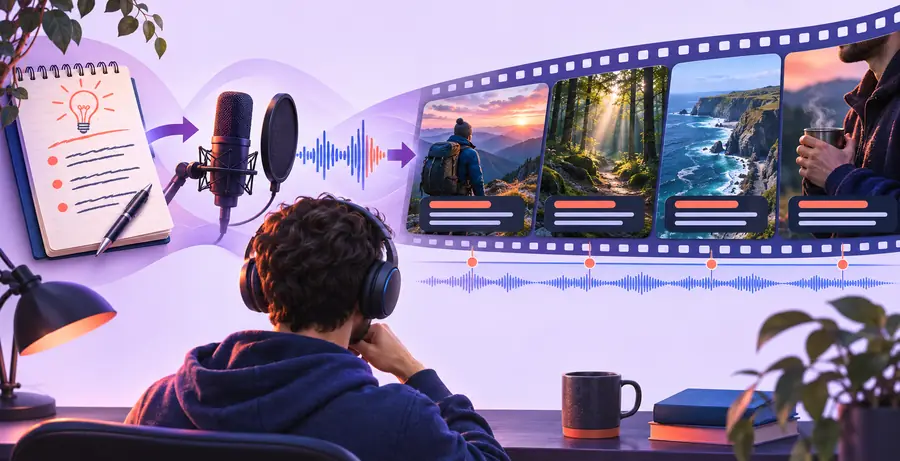
State what a viewer should understand or do after watching. Draft a short opening, a sequence of supporting points, and a closing line. Ask AI for an outline or first script, then remove unsupported claims and words you would not say aloud. Read the script once at a natural pace. If a sentence needs an extra breath or explains two ideas at once, split it before creating scenes.
2
Turn each point into a visual instruction
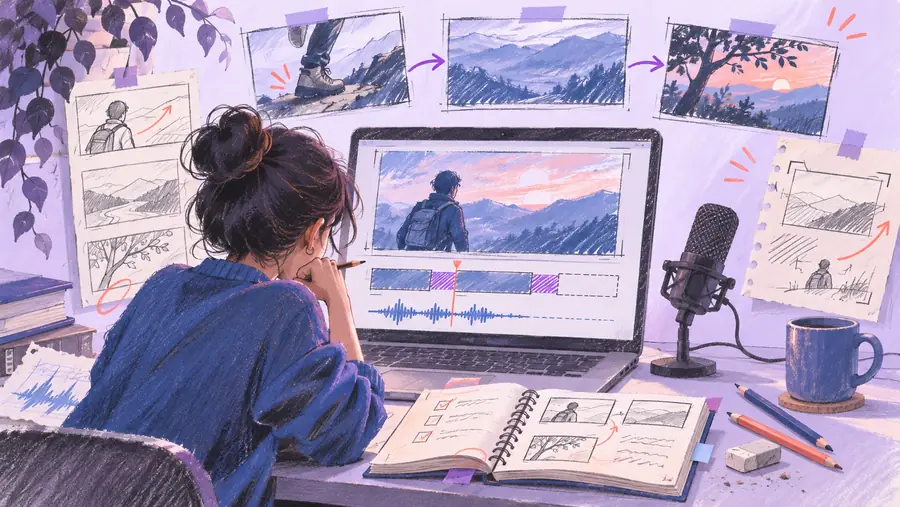
Make a scene list beside the script: narration on one side, the image, footage, diagram, or text needed on the other. Give a faceless video generator concrete subjects and actions rather than asking for something merely engaging. For an explainer about rain gardens, show water moving from a roof toward planted soil when the narration describes runoff. Mark any scene that needs an original diagram instead of generic footage.
3
Assemble and listen to the first draft
Bring the script and scene plan into your chosen creation workflow. If it offers narration, compare the spoken words against your approved script; if not, record or supply audio separately. Add captions from the final narration, not an older draft. Watch once without pausing to find confusing transitions, then watch again to check that each visual supports the sentence heard at that moment.
4
Correct, clear, and publish
Fix factual errors first, then replace unrelated visuals, adjust timing, and proofread captions. Check asset permissions and listen for clipped words or sudden changes in volume. Export only after viewing the complete result in the format required by your publishing destination. Keep the script and asset list so you can correct the video later if a source or platform requirement changes.