Set the message
Describe the topic, audience, tone, and desired length in plain language. A focused brief gives the generator a clearer foundation than a broad subject alone.
Online video creation
A faceless video generator online helps you move from a topic to a structured video without appearing on camera. Start with a useful prompt, review the direction, and refine the result for the audience and channel you have in mind.

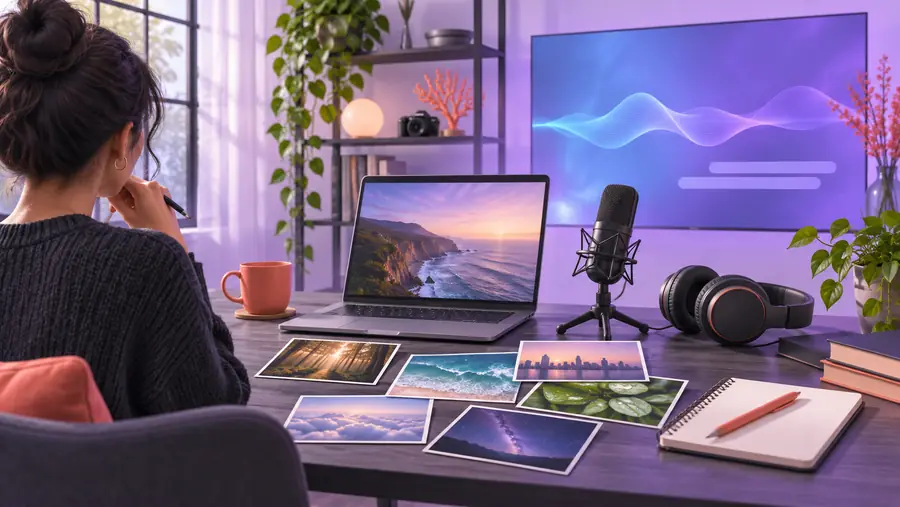
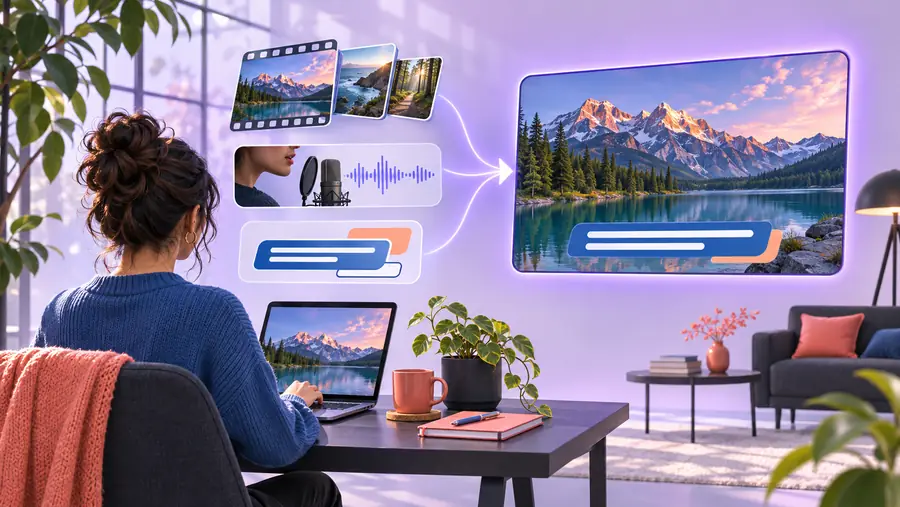
The online workflow is easiest to understand as three connected moves: define the message, shape the visual sequence, then review the finished direction.
Describe the topic, audience, tone, and desired length in plain language. A focused brief gives the generator a clearer foundation than a broad subject alone.
Use the generated structure as a starting point for scenes, narration, captions, and supporting visuals. Keep the strongest idea visible from the opening seconds.
Check the pacing, wording, visual relevance, and readability before sharing. Replace anything generic with details that make the video useful to its intended viewers.
Compare the qualities that matter when choosing an online tool for recurring faceless content.
Plan longer videos around searchable topics, stronger openings, and a clear channel format.
Adapt the same idea into a compact vertical format built for quick viewing.
An online workflow reduces the distance between an idea and a first draft, while manual production gives you direct control over every individual asset. The right choice depends on how much structure and iteration your project needs.
Online generation
A written topic, outline, or creative brief
Manual assembly
A blank timeline and separate source assets
Online generation
Suggested sequence to review and adjust
Manual assembly
Built scene by scene from the beginning
Online generation
Prompt-led choices that need editorial review
Manual assembly
Direct selection and placement of every visual
Online generation
Can be planned as part of the initial brief
Manual assembly
Usually created and synchronized as separate tasks
Online generation
Best for testing several directions quickly
Manual assembly
Best for precise frame-level changes
Online generation
Work is organized through an online surface
Manual assembly
May depend on installed software and local files
Online generation
Review wording, timing, relevance, and consistency
Manual assembly
Review the same elements with more manual checkpoints
Online generation
Creators who want a structured first draft
Manual assembly
Editors who need granular production control
The same online process can support different publishing goals. Begin with the viewer’s context, then make the format and level of detail serve that context.
Explain a concept with a clear sequence, supporting imagery, and readable captions without relying on an on-camera presenter.
A repeatable lesson format that keeps attention on the subject and makes future topics easier to plan.
YouTube video workflowCondense one practical tip or surprising fact into a focused vertical concept with a strong opening.
A tighter draft that can be reviewed quickly for pace, clarity, and scroll-stopping relevance.
faceless shorts ideasTurn a product insight, campaign message, or recurring theme into a visual post without scheduling a presenter.
A consistent starting point for social variations, with the message easier to compare across drafts.
reels production workflowTranslate notes, findings, or a structured explanation into a video outline that is easier for a general audience to follow.
A visual draft that highlights the main point before time is spent polishing every production detail.
AI video planningA vague request often produces a generic first draft. A focused brief gives the workflow enough direction to connect the hook, visuals, narration, and ending.
The strongest improvement comes from clearer intent, not simply adding more words.
Bring one useful topic to the online workflow and let the first draft reveal what needs attention. You can then refine the message, pacing, visual direction, and channel fit before publishing.
It usually starts with a written topic or brief and turns that direction into a planned sequence of visuals, narration, captions, or other supporting elements. The result still needs human review for accuracy, relevance, pacing, and brand fit.
No. A faceless format centers the topic, narration, captions, screen content, stock-style visuals, or other supporting media instead of a visible presenter. You still need a clear point of view so the video feels intentional rather than generic.
Yes, the same core idea can be adapted for different audiences and aspect ratios, but each platform rewards different pacing and presentation choices. Plan the opening, length, captions, and call to action around where the video will be viewed.
Make the brief more specific about the audience, promise, tone, and desired result. Then check every scene for usefulness, remove repetition, tighten the opening, and replace any visual or wording that does not support the central message.
It depends on the project. Online generation is useful when you want a structured starting point and quick direction changes, while manual editing is stronger when you need detailed control over every frame, asset, and timing decision.